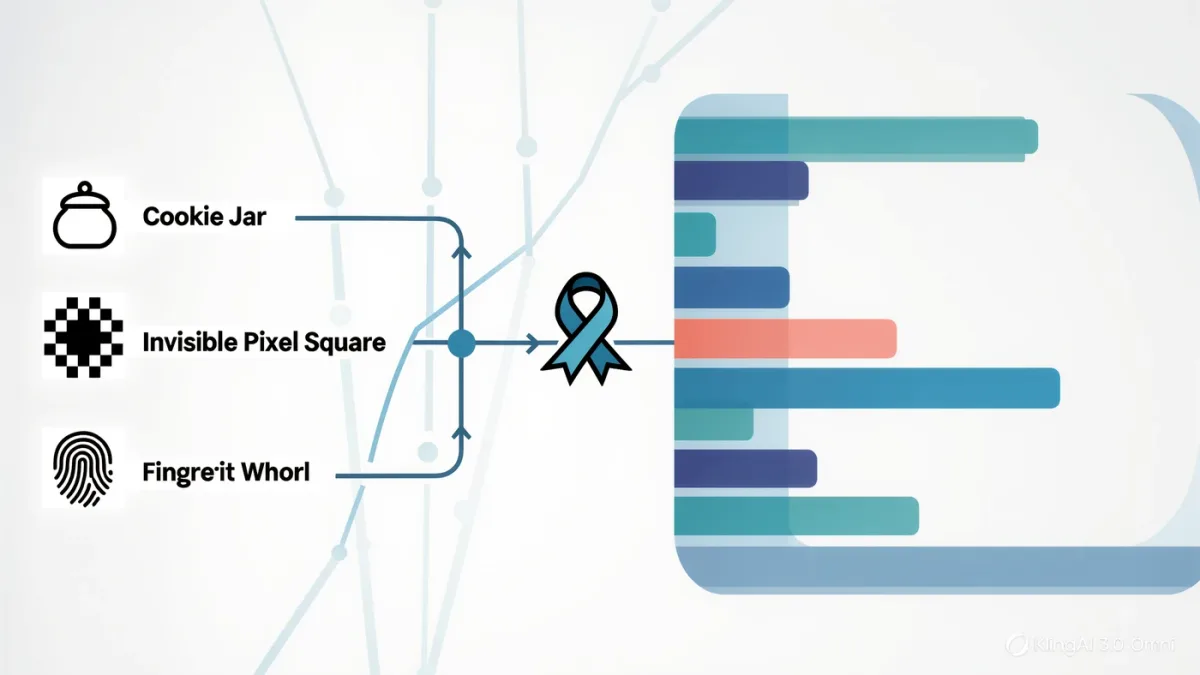
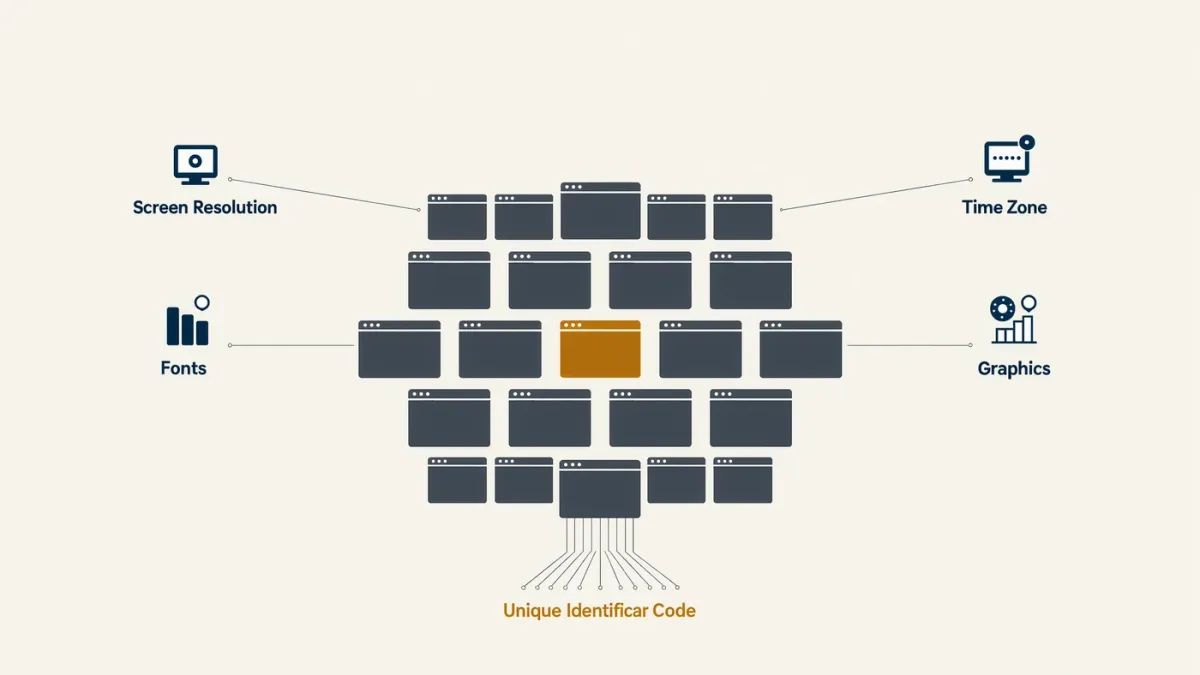
Browser fingerprinting is a tracking technique that identifies you by the distinctive combination of characteristics your browser reveals — screen resolution, installed fonts, graphics rendering quirks, time zone, language, and hundreds of other settings — instead of by a stored cookie. The result is a profile ID that survives cookie deletion, works in private browsing windows, and, in the most-cited research, distinguishes the vast majority of desktop browsers. You cannot delete your fingerprint the way you delete a cookie; the defense is to make your browser look boringly identical to millions of others.
How does it work?
Every time your browser loads a page, it hands the site a stream of technical detail: the user-agent string naming your browser and OS, supported codecs, canvas and WebGL rendering results, audio processing behavior, installed fonts detectable through measurement, and much more. Individually these attributes are mundane; combined, they form a pattern rare enough to serve as an identifier — the Electronic Frontier's Panopticlick research demonstrated years ago how small the entropy needs to be, finding that a fingerprint with at least 33 bits of entropy uniquely identifies one browser in over two million. Because the data is generated fresh on every visit, fingerprinting needs nothing stored on your machine. It fades only when you change hardware or settings enough to shuffle the pattern.
Who uses it, and why is it legal?
Its main customers are the advertising and anti-fraud industries — the same techniques power both. Adtech uses fingerprints to keep profiling users who clear cookies or block third-party trackers; publishers use them to enforce metered paywalls; banks and ticketing sites use them to flag logins from unfamiliar configurations, which is the one use most people would call legitimate. In the U.S., fingerprinting sits in a regulatory gray zone; California's regulator has taken the position that fingerprint-based identifiers fall under its definition of personal information for consumer requests, while federal law has no general opt-out for it. The EU's GDPR covers it as processing of personal data when used for tracking, requiring a legal basis such as consent.
Why don't cookie settings stop it?
Cookie controls — deletion, third-party cookie blocking, private windows — remove stored identifiers, which is exactly what fingerprinting was engineered to sidestep. Even blocking JavaScript, the main mechanism for reading fingerprintable attributes, breaks so much of the web that it is not a realistic everyday defense. This mismatch is why browser vendors have turned to anti-fingerprinting design rather than cookie-style controls.
What actually reduces your fingerprint?
Rank your defenses by how they trade off usability:
- Use a browser with anti-fingerprinting by design. The Tor Browser is the reference implementation: it reports a near-identical fingerprint for all users and randomizes canvas and audio query results per session. Its speed and site-compatibility costs make it a special-purpose tool for many people.
- Stick to mainstream browsers in stock configuration. The single worst move is installing a rare privacy extension that itself becomes part of your fingerprint. Firefox with resistFingerprinting enabled, and Brave's randomized fingerprinting protections, both aim to push users toward a common profile rather than a unique one.
- Avoid fingerprint-magnifying tweaks. Unusual fonts, custom zoom defaults, rare browser builds, and microtasked system settings all add entropy. Paradoxically, a maximally hardened, highly customized browser is often the most identifiable one on the internet.
- Containerize or separate browsing personalities. Using one browser for signed-in daily life and another for anonymous reading limits how much a fingerprint can be tied to your real identity, even if the fingerprint itself persists.
What about mobile?
Mobile browsers are inherently more uniform — fewer font and configuration variations — so fingerprints are less unique per device, but mobile apps fingerprint at the operating-system level with device identifiers and sensor data that browsers cannot touch. In-app tracking is governed by Apple's App Tracking Transparency and Google's Privacy Sandbox-era changes on Android rather than by anything you do in a browser, and those platform controls remain the meaningful levers there.
Can you test your own browser?
Yes — the EFF's Cover Your Tracks tool (coveryourtracks.eff.org) reports how unique your configuration looks among visitors and which protections it detects. Run it before and after any change to see whether a tweak actually lowered your uniqueness or quietly raised it. A browser that reports high uniqueness with anti-tracking extensions installed is a sign the customization is backfiring — the fix is fewer, more standard settings, not more of them.