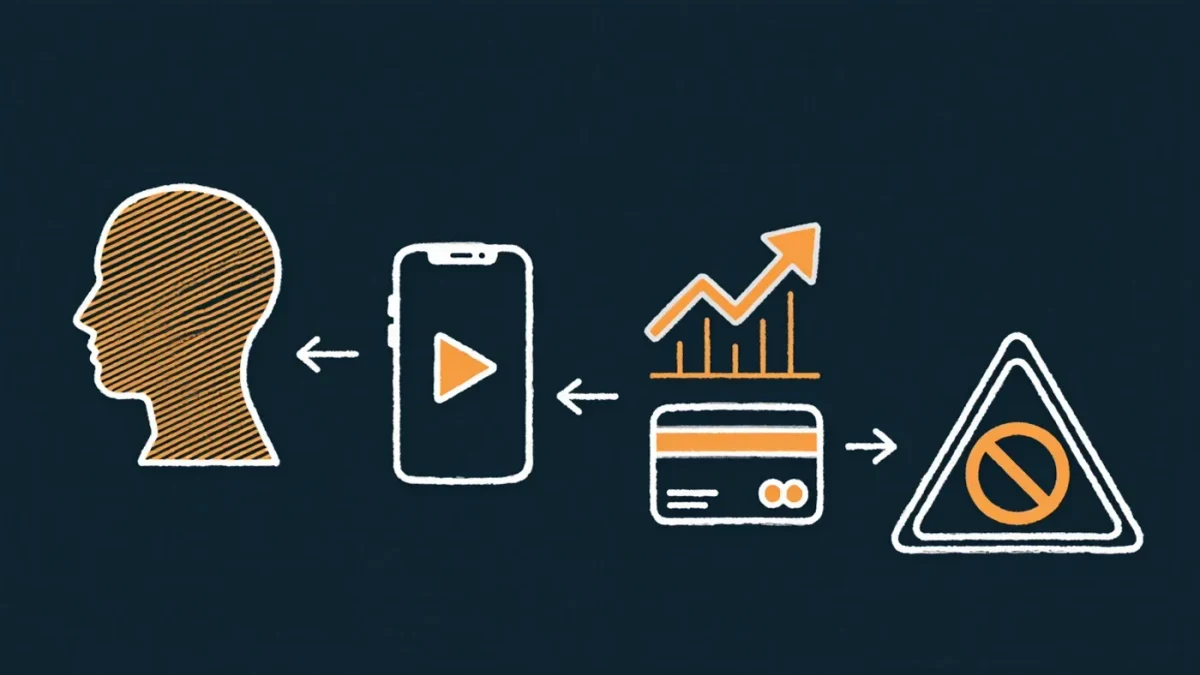
Malvertising is the practice of distributing malware through legitimate advertising channels — paid search results, banner networks, and sponsored placements that lead to lookalike sites serving trojanized installers or phishing pages. The most damaging pattern targets people searching for popular software: the attacker buys the top ad slot for "WinRAR" or "AnyDesk," the ad outranks the vendor's real result, and the downloaded installer is the real program wrapped with an infostealer. FBI warnings about malicious ads impersonating software and customer-support sites have recurred for years because the attack monetizes the search engine's own trust rather than defeating any technical defense.
How does an ad for malware get on a major search engine?
Easily, briefly, and at scale. Ad platforms review creatives at submission, so attackers submit a clean landing page and swap the content after approval — cloaking, in ad-fraud terminology. Or they register lookalike domains and route the click through redirect chains that show the reviewer a benign site. Budget is no barrier: a few dollars of ad spend per victim pays for itself many times over when the payload is ransomware or an infostealer with banking credentials in reach. The economics explain the persistence — every takedown is followed by a new wave of domains and accounts, because the return on a compromised ad slot dwarfs its cost. Malwarebytes and other firms tracking the space have documented recurring campaigns impersonating AnyDesk, WinRAR, OBS, and utilities whose users are on work machines mid-task and not expecting deception.
What does a malvertising attack look like to the victim?
Deceptively normal. You search for a product, an ad marked "Sponsored" appears above the genuine result, you click, the site looks correct, the installer runs, and the software works — that is the trick. For weeks in the high-craft campaigns, nothing seems wrong while the bundled stealer quietly harvests saved passwords, session cookies, and crypto wallets, or a remote-access tool phones home for the follow-up. A second pattern skips downloads entirely: fake customer-support numbers in ads, routing desperate callers to scammers. A third targets advertisers themselves — hijacked ad accounts running fraudulent charges — but the consumer-facing versions are the mass problem.
Why does "Sponsored" not mean safe?
Because sponsorship is an auction, not an endorsement. The platform verifies payment, not identity, at the depth the label implies. Lookalike domains one letter off the real one, cloaked landing pages, and redirect chains slip through automated review constantly; human review catches them after reports accumulate, which is why malicious ads live hours to days — long enough to burn thousands of clicks. Treating the ad label as a trust signal is precisely the assumption the attack is built to exploit.
How do you avoid malvertising?
- Prefer typing the address. For any software vendor, bank, or support site you know, type the domain or use your bookmark. Search results — organic or paid — should not be your path to logins or downloads.
- Read the displayed URL under ads, not the headline. The domain under a sponsored result is the fact; the brand name in the copy is decoration. One letter off, an extra hyphen, or the brand in a subdomain means back away.
- Check installers before running them. Legitimate installers are signed by the vendor — right-click, check the digital signature's issuer, and treat unsigned or oddly-named signatures as disqualifying. Compare the file's published hash against the vendor's site where offered.
- Get software from the store where possible. Microsoft Store, Apple's App Store, and distro package managers remove the search step entirely, which removes malvertising's entire opportunity.
- Run an ad blocker in the browser you use for searching and casual browsing. It is not just aesthetics — it removes most malvertising impressions before the judgment call arises.
What if you already installed one?
Assume credentials are gone. From a different, clean device: change the password for everything saved in that browser, starting with email; revoke active sessions; enable MFA where it was off; and watch banking and crypto accounts closely for weeks. On the infected machine, run a full scan with a reputable antivirus, and consider a reinstall if the payload was a remote-access trojan — those hide persistently. Then report the ad to the platform and, for U.S. users, the FBI's IC3; the report is what shortens the next campaign's lifespan.