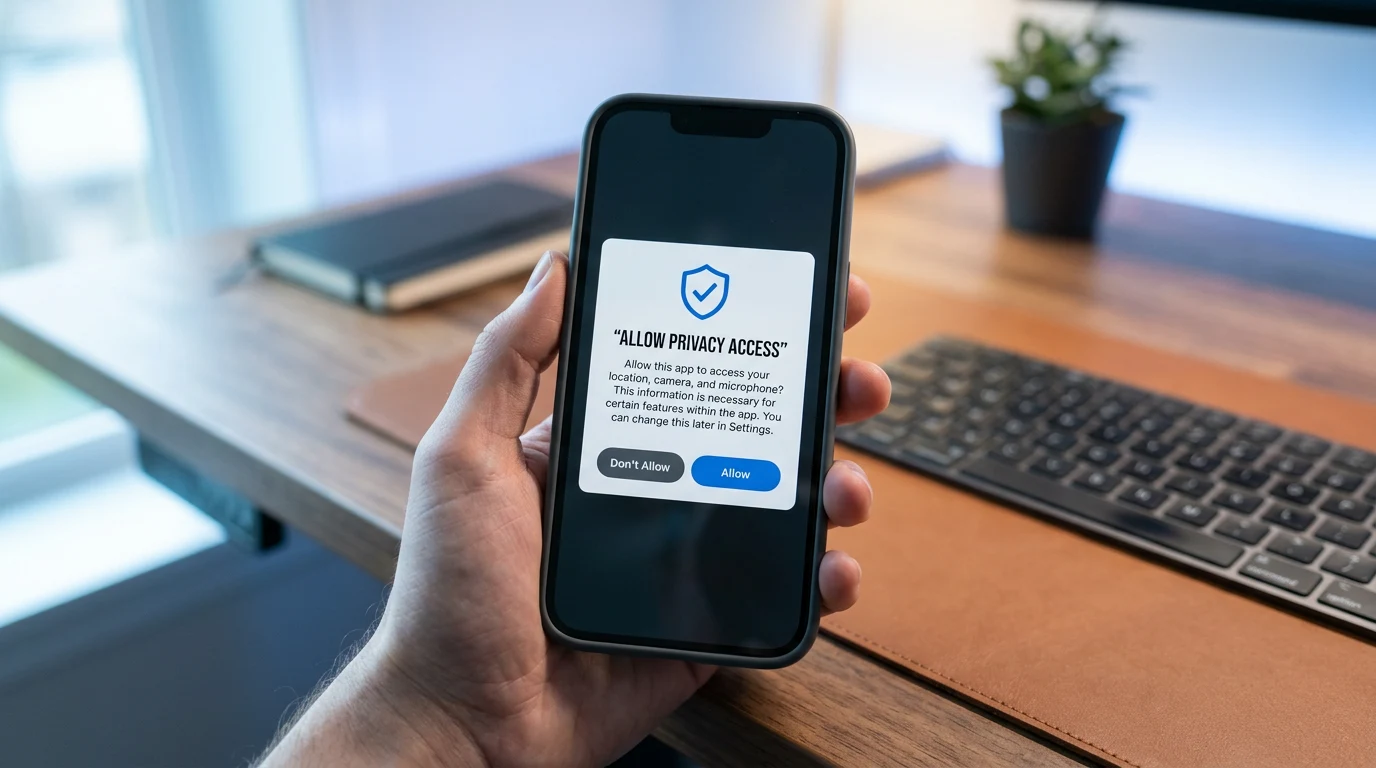

Yes — you can shut down most app location tracking in about ten minutes on either platform: review the permission list, cut every app back to "while using" or "never," kill precise-location and background access where you do not want it, and disable the OS-level location histories (Significant Locations on iOS, Timeline on Android). The biggest offenders are usually social, weather, shopping, and free games holding "allow all the time" access; most of them need location only in the moment, if at all.
Why does this matter?
Location is among the most sensitive data an app can hold: it reveals where you sleep, work, worship, and seek medical care, and location histories are routinely purchased, brokered, and — in documented FTC enforcement actions against brokers — sold to anyone from advertisers to government contractors with no warrant. A 2023-2024 FTC order against data broker X-Mode illustrated how one SDK embedded in ordinary apps harvested precise location from hundreds of apps for the location-data economy. Apple and Google have progressively tightened defaults, but permission dialogs are still granted casually, and old grants persist across years of updates.
How do you audit location permissions on iPhone?
Steps below match iOS 17-18; wording is stable across recent versions.
- Open Settings > Privacy & Security > Location Services. If Location Services is off entirely, you are done — but most people want it on for maps and Find My.
- Work down the app list. For each app choose among: Never, Ask Next Time, While Using the App, or Always. Reserve Always for the few apps that genuinely need it — a sleep tracker with a child, perhaps. Everything else lives at While Using or Never.
- Toggle off Precise Location for apps that only need a rough area — weather and local news work fine on approximate location.
- Scroll to the bottom and open System Services. Review the always-on items — iPhone Analytics, Routing & Traffic, Location-Based Alerts — and disable those you do not want. The Significant Locations entry holds your device's learned history of frequent places; you can clear it and disable it, though it powers some predictive features.
How do you audit location permissions on Android?
Wording varies slightly by manufacturer and Android version.
- Open Settings > Location > App location permissions (on some skins: Settings > Privacy > Permission manager > Location).
- For each app, choose Don't allow, Ask every time, Allow only while in use, or Allow all the time. As on iOS, "all the time" is the grant to eliminate — check its sub-list first, because that is where the quiet trackers sit.
- Toggle off Use precise location per app where approximate suffices.
- In Settings > Location > Location Services, review Google Location Accuracy, and in your Google account's Timeline settings, pause or delete stored Timeline history — Google moved Timeline on-device by default in 2024, so recent history lives on the phone and older cloud history can be deleted from account settings.
What about photos, Wi-Fi, and Bluetooth?
Photos carry GPS coordinates in their EXIF data; strip location before sharing publicly — iOS offers this when sharing via the share sheet's Options, and both platforms let you remove it in editing or disable geotagging in camera settings entirely. Wi-Fi and Bluetooth scanning let apps infer location even with location services off: on iOS find them under Privacy & Security, on Android under Location > Location Services (Wi-Fi scanning, Bluetooth scanning). Turning scanning off modestly affects convenience features but closes the side door. Also check carrier and third-party "family locator" services — a legacy grant there keeps reporting regardless of phone settings.
What will you lose?
Be honest about the trade-offs: maps and ride-hailing need location while using them, and only then. Weather widgets, local search, and camera geotagging degrade gracefully to approximate or manual location. Find My and Android Device Manager need location services on to locate a lost phone — that is a system function you can keep while denying apps. What you gain: an app that is merely weather can no longer log your movements to the month, and your location footprint stops feeding the data-broker marketplace that FTC actions keep showing operates on the edge of, and past, what users ever understood they agreed to.