DNS filtering is a protective layer that checks every domain your devices try to reach against a blocklist before the connection happens — stopping malware hosts, phishing pages, and other categories at the name-resolution step, before a page loads or a download starts. You can deploy it at home in ten minutes by pointing your router (or individual devices) at a filtering DNS service; free public options from major security and infrastructure vendors cover malware and phishing by default, with family tiers adding content categories. It is a quiet, always-on layer that protects every device on the network — including the smart-home gadgets that cannot run any protection of their own.
How does it work?
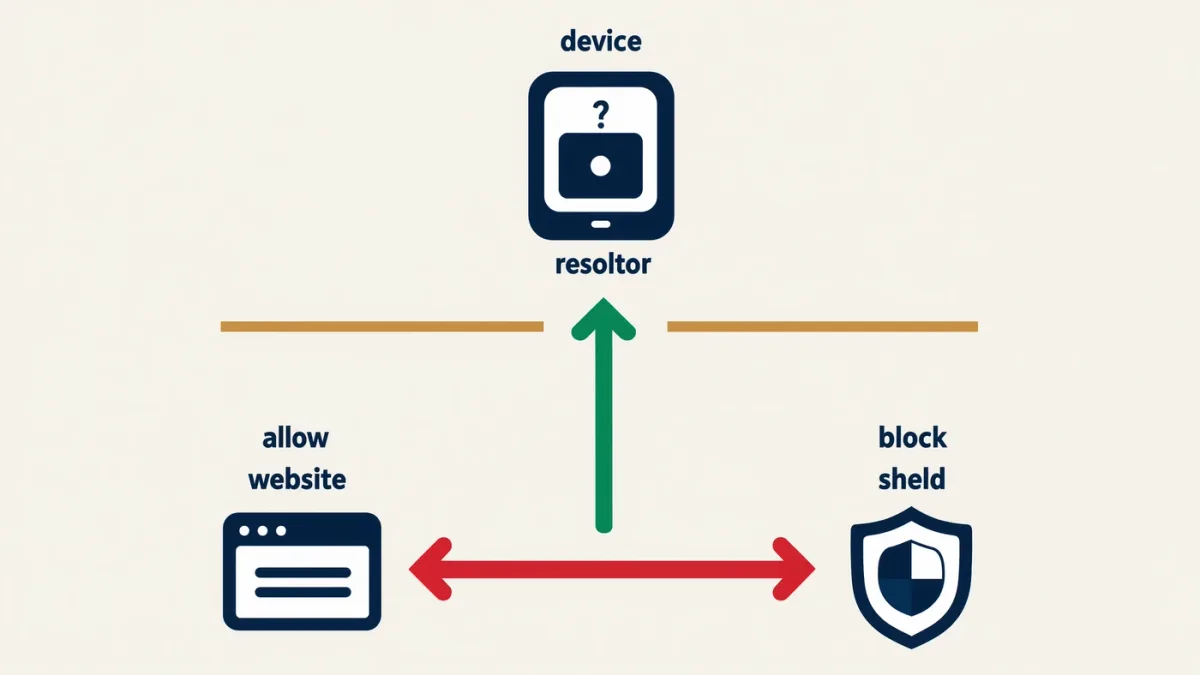
Every connection starts with DNS: your device asks a resolver to translate a name like example.com into an IP address. A filtering resolver performs that lookup and then checks the answer against policy lists — known malware-distribution domains, phishing hosts, newly-registered domains used in campaigns, optionally adult, gambling, or social categories. A blocked domain returns no address, so the connection never begins. The protection is imperfect by design's nature — it works on domains, not content, and criminals rotate names constantly — but as a first gate it removes an enormous amount of mass-market malice with zero per-device setup when applied at the router.
What are the options?
- Free public filtering resolvers: Cloudflare's 1.1.1.2/1.1.1.3 (malware; malware plus adult), Quad9 (malware blocking with privacy-forward operation), Google Public DNS's family variants. These are set-and-forget and free.
- Vendor family/security tiers: NextDNS and ControlD offer configurable categories, analytics, and per-device profiles on freemium models — the enthusiast choice.
- Router-native or mesh filtering: many routers and mesh systems include DNS-based protection (often under brand names like Advanced Threat Management); enabling it applies filtering network-wide.
- Pi-hole / AdGuard Home: self-hosted resolvers for the tinkerer — full control, local analytics, no subscription, at the cost of maintaining a small server.
How do you set it up?
Router-level (protects everything, including guests and IoT): in the router's admin interface, find the WAN or DNS settings and replace the ISP defaults with your chosen resolver's addresses — Cloudflare's malware-filtering 1.1.1.2 and 1.0.0.2, or Quad9's 9.9.9.9. Save, reboot, and test by visiting a known test domain for the service you chose. Device-level (when you cannot touch the router — travel, hotspots): set the same addresses in each device's network settings, or use the provider's app, which also keeps filtering on cellular.
What does it catch — and miss?
It catches: distribution hosts for malware and infostealer panels, phishing domains on fresh registrations, botnet command-and-channels for known strains, and (with family tiers) broad content categories. It misses: malicious content on otherwise-legitimate domains — a weaponized document hosted on a compromised WordPress site, a phishing link cloaked behind a URL shortener or a legitimate form service; encrypted DoH traffic pointed elsewhere; and anything distributed by IP address without a name lookup. It also cannot judge attachments or credentials — that remains email filtering, endpoint protection, and user judgment. The honest framing: DNS filtering is seatbelts, not the whole car.
Privacy considerations
A DNS resolver sees every domain every device asks for — a comprehensive browsing-interest log. That is precisely why choosing the operator matters: the reputable services publish logging policies (Quad9 and Cloudflare both operate under documented minimal-logging commitments, and Cloudflare committed to independent audits of its resolver logs). Your ISP's default resolver sees the same data with typically weaker promises, so switching is rarely a privacy downgrade — but read the chosen service's policy page once. Self-hosting with Pi-hole removes the third party entirely at the cost of running the infrastructure.
Is it worth it?
Yes, at the free tier: ten minutes of router configuration buys network-wide blocking of known-bad domains for every laptop, phone, TV, and lightbulb in the house — including the devices with no other protection possible. Pair it with the layers it complements: automatic updates for the endpoint threats it misses, an ad blocker for the malvertising vector, and the phishing-hygiene habits that no filter replaces. As one leg of the boring stack, DNS filtering is among the highest value-per-minute settings in home security.