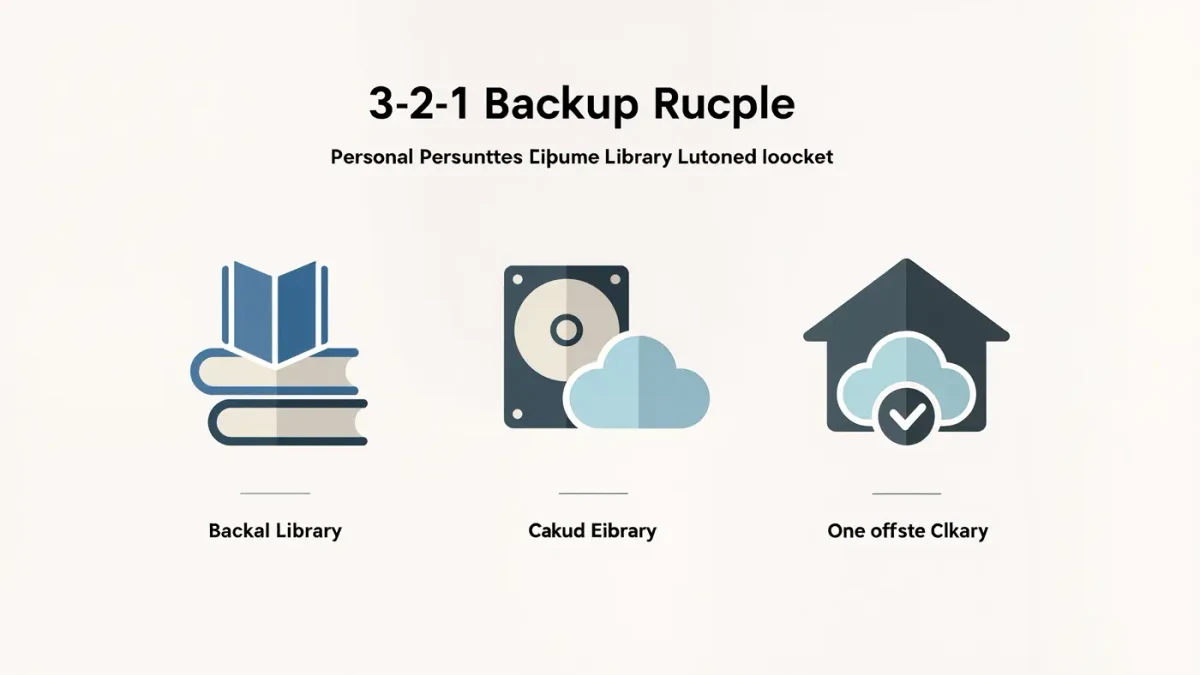

Yes — you can build a genuinely resilient backup setup this weekend: keep three copies of your important data, on two different kinds of storage, with one copy off-site. That is the 3-2-1 rule, and it has remained the standard answer for one reason: any single disaster — drive failure, ransomware, theft, fire, a dropped laptop — destroys at most one copy. The free version uses an external drive plus a cloud account; the comfortable version adds an automated cloud service; the crucial version tests recovery before you need it.
Why three copies, and why is the original one of them?
Counting the live data on your computer as copy one, the rule asks for two backups. Two is the minimum that covers the ugly overlap window — the days between when your main drive dies and when you last ran the backup — and it means your two backups never need to trust each other. The "two media" clause pushes the copies onto different failure modes: an external hard drive and a cloud service fail for entirely different reasons, so a single event rarely kills both. The "one off-site" copy answers the risks no on-site drive survives: fire, flood, and the burglar who takes the laptop and the drive sitting next to it. Ransomware added a modern refinement — at least one copy should be immutable or offline, because encryption crews deliberately hunt and delete reachable backups before pulling the trigger.
How do you set it up on Windows or Mac?
- Copy two: an external drive. Buy a drive at least twice the size of your data. On Windows, turn on File History (Settings > System > Storage, or Control Panel) for files, and consider the built-in backup imaging under Windows 11's backup settings for full-system recovery. On Mac, open System Settings > General > Time Machine, select the drive, and encrypt the backup when prompted. Both run automatically whenever the drive is connected.
- Copy three: off-site cloud. The cheapest tier is syncing the folders that matter — Documents, Desktop, photos — into a service like OneDrive, Google Drive, Dropbox, or iCloud. Syncing alone is not a backup (it propagates deletions and encryption), so prefer a service with versioning and a trash window, and enable both.
- Make the drive copy periodic, not perpetual. A drive you connect weekly for an hour is ransomware-proof the other 167 hours of the week. For full immutability, some drives and services offer write-once snapshots — cloud storage with object-lock, or NAS boxes with snapshot schedules, both of which keep versions even a compromised machine cannot erase.
- Encrypt everything that leaves the house. FileVault or BitLocker for the laptop, encrypted Time Machine and File History backups, and either an encrypted cloud provider or an encrypted archive inside the sync folder for the cloud copy. A backup of your files on someone else's servers should not be readable by someone else.
What should you actually back up?
Prioritize what cannot be recreated: documents, photos, projects, tax and legal records, password-manager recovery kits, and the configuration you would need to rebuild a machine. Games, media libraries, and application installs are re-downloadable — exclude them to keep backups fast and cheap. Phones deserve their own pass: verify iCloud or Google One backups are on and current, and remember that messaging apps vary — WhatsApp's end-to-end encryption extends to backups only if you enable encrypted backup, as we detail in our encryption guide.
How do you know a backup works?
You test it — and almost nobody does. Quarterly, spend fifteen minutes on a restore drill: pull one recently changed file from the cloud copy and from the drive copy, open it, and confirm it matches. Once a year, do a full-machine restore test from the external drive, ideally to a spare machine or a partition. Every veteran of data loss says the same thing: the backup you never tested is a hope, not a backup. Drives also die quietly, so check the drive's health (Self-Monitoring data via free tools) during the annual test and replace the drive at the first real warning rather than after the failure.
What does this cost?
A 2-terabyte external drive runs roughly $60-70 as of 2025 and lasts years; cloud tiers adequate for documents and photos run $2-10 per month across the major providers. A small business with a NAS and a cloud service with immutability lands in the low hundreds per year. Against the cost of ransomware downtime or unrecoverable family photos, the 3-2-1 setup is among the cheapest insurance computing offers — provided the third step, testing, actually happens on the calendar and not in intention.