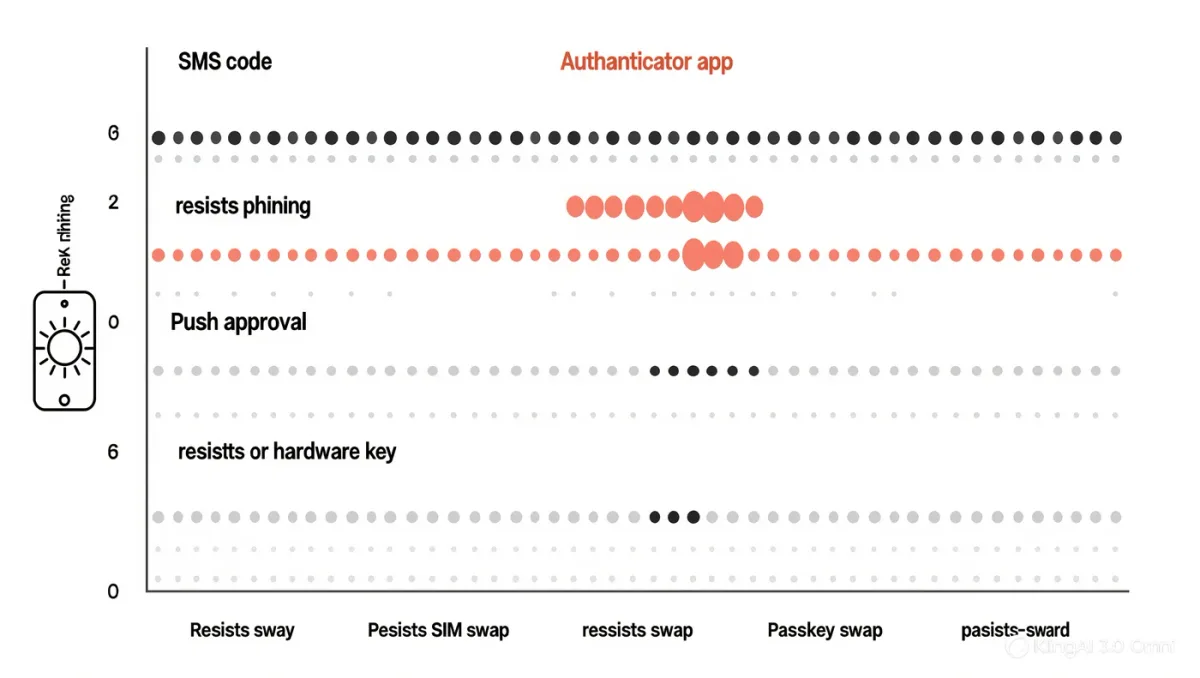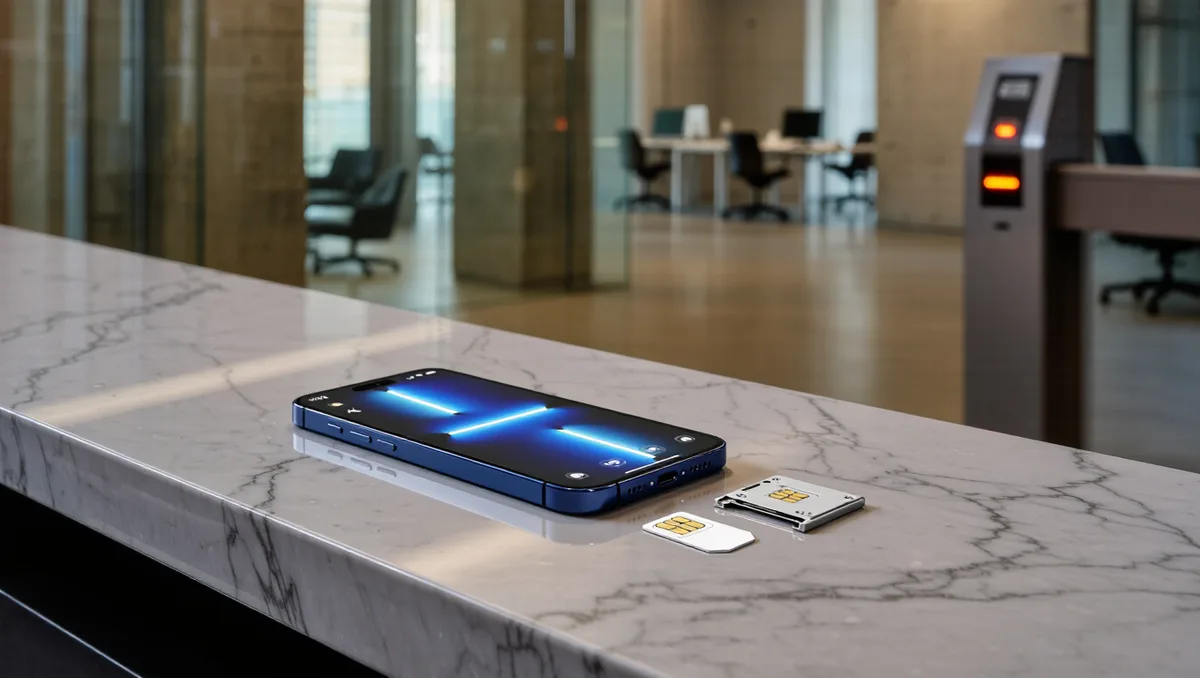
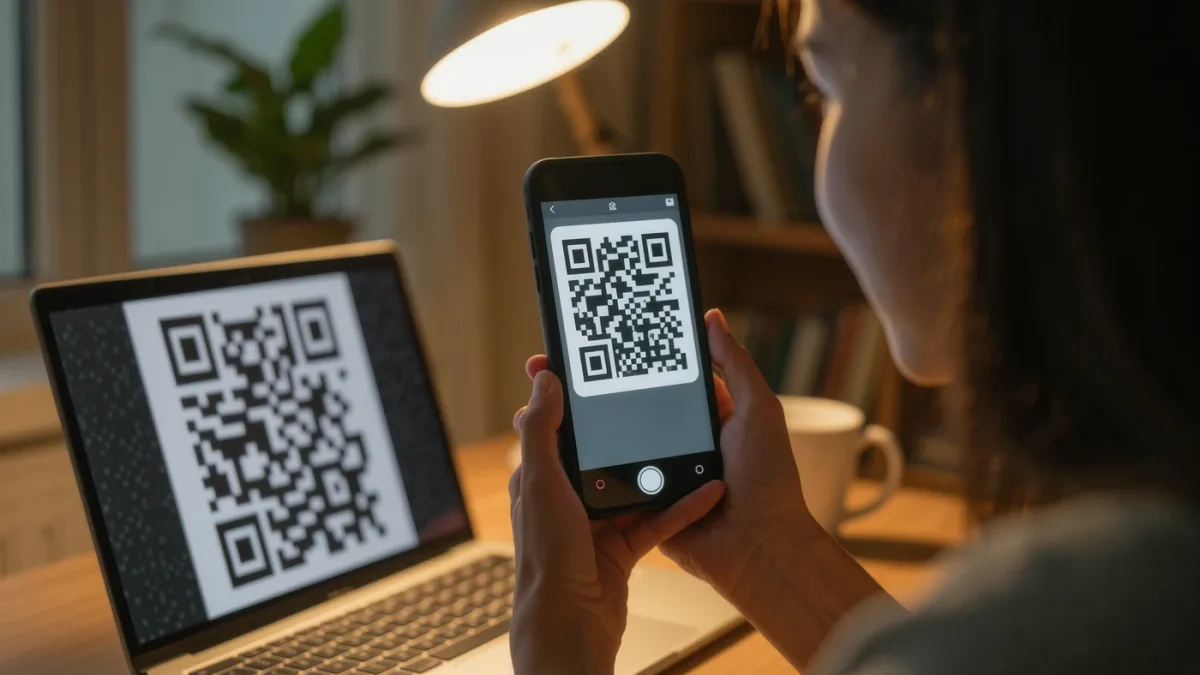
Yes — you should move your two-factor codes off SMS, and you can migrate your accounts one at a time whenever each one's settings are convenient: install an authenticator app, then for each account disable and re-enable two-factor authentication so the QR code it shows is scanned by the app instead of your phone number. SMS codes are vulnerable to SIM swapping — the attack where your number moves to the attacker's SIM and every text arrives to them — while authenticator apps generate codes on the device itself, so a hijacked phone number no longer matters. The full migration of a dozen accounts takes about an hour spread over a weekend.
Why is SMS the weak option?
SMS was never designed as a security channel: codes arrive over the cellular network, where they are exposed to SIM-swap fraud (covered in our guide), SS7 routing weaknesses demonstrated by researchers for years, and plain interception. The FTC and the FCC have both acted against carriers and banks over SIM-swap losses, and NIST's digital-identity guidance has discouraged SMS as a second factor since 2016, with later drafts moving further against it. An authenticator app keeps the secret on your device and the code generated from it, time-synced, with nothing transiting any network. The trade to understand: the codes depend on the device — so the recovery step below is not optional.
Which app should you use?
Any mainstream TOTP app works with nearly every service: Google Authenticator (now supports encrypted cloud backup and multi-device sync), Microsoft Authenticator, Authy (multi-device with backups), 2FAS, and Aegis (Android, open source, encrypted export). Choose on one axis that matters to you — multi-device sync for convenience, or single-device with local encrypted export for control. Pair the app with a password manager that also stores TOTP codes only if you accept the one-vault tradeoff; for banking and email, separation is the more defensive layout.
How do you migrate an account?
The pattern is identical across services; wording varies.
- Open the account's security settings — usually under Security, Login, or Two-Factor Authentication.
- Choose to change or re-enroll the second factor. Some services simply offer "Authenticator app" alongside "Text message"; others require disabling 2FA briefly and re-enabling — do this only when you are ready to finish in one sitting.
- Scan the QR code the site displays with the authenticator app. The app begins generating six-digit codes for that account immediately.
- Enter the current code back on the site to confirm enrollment.
- Save the backup codes the site offers — printed, stored with your password manager's recovery kit. These are the recovery path if you lose the phone.
- Remove your phone number as a 2FA method where the service allows it — leaving SMS as a fallback re-opens the exact hole you are closing. Also clear the number from account-recovery paths where possible, or accept it knowingly.
Start with the accounts that matter most — email, bank, password manager, phone carrier — then sweep the rest opportunistically. Keep a list with checkboxes; the satisfaction of finishing it is real.
What about losing the phone?
This is the scenario to prepare before it happens, and the apps differ in how much they help:
- Cloud-synced apps (Google Authenticator with backup on, Authy, 2FAS with its backup): install on a new device, restore from the encrypted backup, done.
- Single-device apps: recovery runs through each service's backup codes or its account-recovery process — slower, which is why the codes in step 5 matter.
- Everything: enroll a second trusted device or keep an encrypted export where your password-manager recovery kit lives. Test the restore once, on a spare device or a partner's phone, so the first time you exercise it is not an emergency.
What is better than authenticator apps?
Passkeys and hardware security keys, where supported: they bind the credential to the site's real domain, making phishing impossible rather than merely unlikely, and they survive phone-number attacks entirely. The pragmatic 2026 stack remains: passkeys where offered (Google, Apple, Microsoft, and most major banks' apps now support them), hardware keys for email and crypto, authenticator app for everything else — and SMS only for services that still offer nothing better, which is exactly the set of services worth complaining to about it.