
Yes — you can move from reused passwords to a managed vault in about an hour: pick a well-established password manager, install its browser extension and phone app, save a recovery kit, and rotate the passwords of your five most important accounts first. The manager generates a unique random password for every site, so one breach no longer unlocks anything else. All the major consumer managers — including 1Password, Bitwarden, Dashlane, and Apple's built-in Passwords app — are solid choices as of 2025; the best one is the one you will actually use on every device.
Why not just memorize better passwords?
Human memory pushes toward reuse and patterns, and attackers know it. When a site is breached, criminals test the leaked email-and-password pairs against banks, email providers, and retailers at scale — the credential-stuffing playbook we have covered before. A manager breaks that chain because every password is random and used exactly once. The vault itself is encrypted with your master password, so the vendor stores only ciphertext; the trade-off is that forgetting the master password without a recovery kit means losing the vault, which makes step three below the most important step in this guide.
Which manager should you choose?
Compare on four axes, in this order:
| Factor | What to look for |
|---|---|
| Track record | Years in business, published third-party security audits, and a clean disclosure history for breaches |
| Platform coverage | Apps for your phone OS, browser extension for your browser, and sync between them |
| Cost model | Free tiers work for single-device users; paid tiers around $2-5/month typically add multi-device sync, sharing, and larger storage |
Simple defaults as of 2025: iPhone-and-Mac households can start with the built-in Passwords app and its iCloud sync at no cost; cross-platform users get the best value from Bitwarden's free tier or paid 1Password for families. Prices and features shift, so verify current terms on the vendor's own pricing page before subscribing.
How do you set it up?
The steps below use generic wording; exact menu names differ slightly between products and versions.
- Create the account and master password. Use a memorable four-or-five-word passphrase — length beats weird symbols. This password exists nowhere else and is never written into the vault itself.
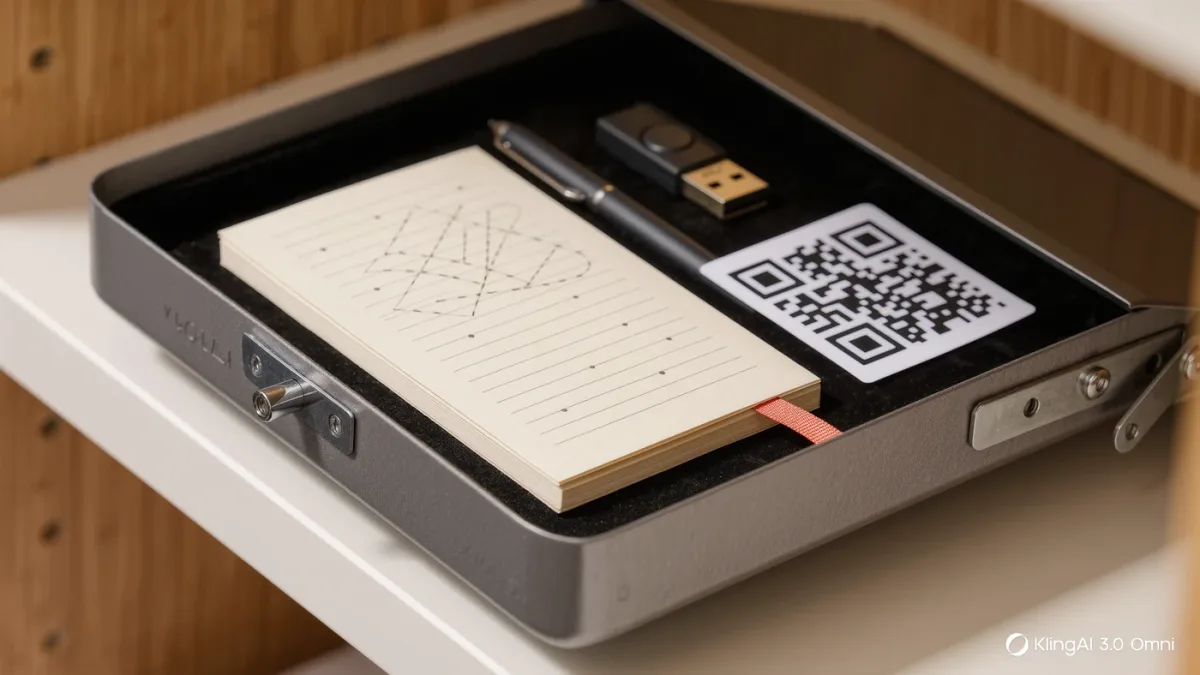
- Save the recovery kit or emergency kit immediately. Most managers offer a printable one-time code or PDF. Store it on paper somewhere safe — a safe or a locked drawer — not in a photo on the phone it unlocks.
- Install everywhere you log in. Browser extension on each computer, app on each phone. Log in once and confirm sync works before adding anything.
- Turn on the manager's autofill in your browser and phone settings so it offers passwords natively. On iPhone this lives in Settings > Passwords > Password Options; on Android under Settings > Privacy or Passwords, depending on version.
- Rotate critical accounts first. Email, bank, phone carrier, and primary shopping or payment accounts. For each: log in, let the manager capture the current password, then use its generator to replace it with a 16-plus-character random one. Two-factor codes stay in a separate authenticator app, which we cover in our guide to switching from SMS codes.
- Adopt opportunistically. Let the manager capture the rest as you visit sites naturally over the coming weeks. Within a month or two, most active logins are unique and random without a dedicated migration weekend.
What about the passwords already saved in browsers?
Every major manager can import from Chrome, Safari, Edge, and Firefox — the export produces a CSV file you import into the vault, then delete from the desktop immediately, since a CSV of all your passwords in plaintext is the most dangerous file you will touch all year. After importing, spot-check a few logins and clean out dead entries; a tidy vault is easier to trust.
Is it safe to keep everything in one place?
It is the safest practical option available to most people, with one honest caveat. The vault's encryption is strong — AES-256 with zero-knowledge designs is the standard among the major vendors — and years of independent audits back the leading products. The weak point is you: a reused master password, or a phishing page that captures it, defeats everything. That is why the master password must be unique, why two-factor authentication belongs on the vault account itself, and why the recovery kit must exist on paper. Users who take those three steps are dramatically harder to attack than anyone juggling a handful of memorized passwords across a hundred accounts.