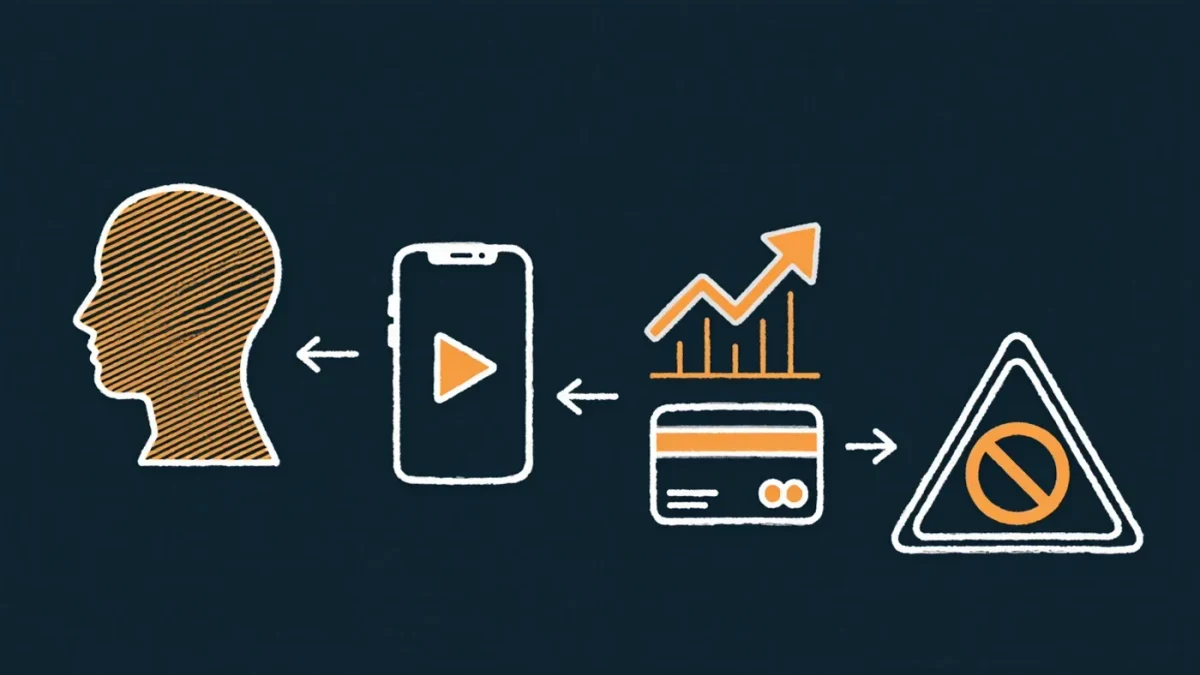
Yes — fake apps do land in the official Apple and Google stores, and you can filter almost all of them with a pre-install minute: check the developer name against the brand's real identity, look at review volume and history versus the brand's fame, distrust download counts that don't match reputation, and read the permissions before accepting. Fake apps monetize by harvesting logins entered into a convincing shell, subscribing victims to hidden recurring charges, or serving ad fraud — and the store badges that should signal safety are exactly the trust they exploit. Both platforms remove them constantly, in the hundreds of thousands per year; the removals matter less than your install decision.
How do fake apps get into official stores?
Through the same review gaps that let malvertising work: a clean app passes review, then a server-side switch turns it hostile after approval; or a clone with a lookalike name and icon piggybacks on a brand's search traffic; or a "lite" version of a famous app ships with subscription traps — free trials that convert to weekly charges only visible in the small print. Google's and Apple's automated review catches the crude versions; the surviving fakes are polished enough to pass machines and hurried humans. Google has additionally allowed Android's official storefront fragmentation and web-based distribution paths that widen the attack surface compared with Apple's single store — the practical difference for users is that on Android, sideloading a "free" version of a paid app from a web page remains the most dangerous single install habit.
What are the tells before installing?
- Developer identity: tap the developer name. Is it the actual company — the real publisher of the brand's other apps — or "Widgets Dev LLC" shipping something famous? Copycat developers are the strongest single signal.
- Review arithmetic: a famous brand's real app has years of reviews in volume matching its fame; a fake has either near-zero reviews or a burst of vague five-stars. Read the one-stars — victims report fakes there first.
- Name and icon drift: extra hyphens, "pro," "free," unicode lookalikes, and slightly-off logos.
- Description quality: broken grammar, stock screenshots, and instructions that route you to a website to "activate."
- Permissions at odds with function: a flashlight asking for SMS access, a game wanting contacts — the classic overreach, visible on the install screen in the stores' new permission cards.
- Update and age: a brand-new listing claiming to be a long-famous product.
What are the tells after installing?
Subscription-battery signs: your card shows small recurring charges you did not recognize (check the card statement and the store's subscription page — both stores centralize subscriptions where you can cancel and request refunds); aggressive full-screen ads outside any rational use of the app; battery and data drain from background activity; and login pages that do not use the system's native sign-in when the real product does. If an app you installed asks you to log in with credentials for an unrelated service — a PDF tool wanting your Microsoft password — that is a credential harvester, full stop.
What should you do if you installed one?
- Uninstall immediately — then check the store's subscription page to cancel anything it enrolled, and request a refund through the store's report-a-problem flow; both platforms side with subscription-fraud victims routinely.
- Change the password for any account you logged into through it, and revoke sessions per our account-takeover guide.
- Watch the card for recurring charges, and dispute unfamiliar ones with the issuer.
- Report the app in the store (Report a Problem / Flag as inappropriate) — removal protects the next million searchers.
How do you avoid them entirely?
Route discipline: install from the brand's own site link, or the store listing reached from the brand's page — not from search results, not from ads, and not from a link in an email or message. The malvertising and fake-download economy described in our guide feeds directly on store-search behavior. Keep sideloading off unless you develop software yourself; verify the developer every time an app updates its permissions; and treat "free version of a paid app" found outside the store as the infostealer delivery it usually is. The store is a filter, not a guarantee — the last meter of the decision is yours, and it costs one minute.