A hotel room stays safer with a five-minute routine at check-in and a careful booking before you pack. Run the same checks in hotels and short-term rentals: the door, the safe, the network, and the payment. The UK regulator ICO fined Marriott International 18.4 million pounds in October 2020 after a breach exposed an estimated 339 million guest records.
The hotel room safety tips below take about five minutes at the door and another five on your phone. They cover the room itself, the Wi-Fi, and the booking flow. Do them in order at every stay, and the common failure points close. This connects to our earlier piece, How to spot fake apps before they take over your phone.
Lock the door before you unpack
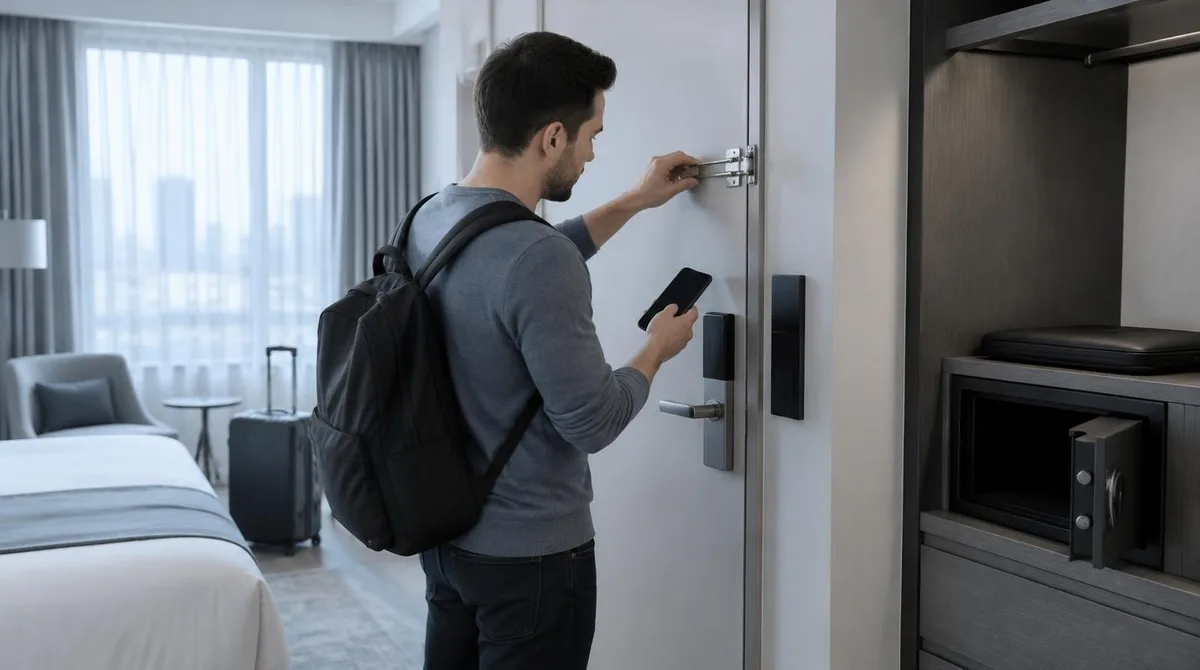
Stand at the door and use everything on it. Close the deadbolt. Slide the latch or the swing bar. In a rental, test the keypad and ask the host to confirm the code is unique to your stay, not reused from earlier guests.
Then walk the room once. Open the closet. Look behind the shower curtain and inside the cabinets. Test the chain if the door has one. Never open the door for an unexpected knock. Call the front desk to verify any claimed staff visit before you turn the lock.
Handle the safe and your valuables
Use the in-room safe for passports, spare cards, and devices you leave behind. Set your own code, then test it with the door still open. For documents you cannot replace, the front-desk safe at a hotel beats the closet shelf. In a rental without a safe, lock valuables inside your hard-shell suitcase. Nothing in a room is theft-proof, so carry passports and payment cards with you when the room feels wrong. For related coverage, see How to put smart-home devices on a guest network in 20 minutes.
Treat the Wi-Fi as hostile until checked
Get the exact network name from the front desk or the host, and type it instead of tapping the strongest signal. Turn off auto-join on your phone. The FCC advises travelers to shut off auto-join on public networks and to skip online purchases and banking on public Wi-Fi in its travel guidance. Use your phone hotspot for anything that touches money.
Protect the devices you travel with
Update the laptop and the phone before the trip, so patches install on your own network. Back up your files and remove data you do not need, the same preparation the FCC recommends. Set a long passcode on every device you carry. A privacy screen blocks shoulder reading in lobbies and on planes. Charge from your own adapter.
Vet the booking before you pay
Scams concentrate at the payment step. The FTC describes scammers who hijack real rental listings and others who invent listings for places that do not exist in its travel scam guidance. Book through the platform, not by direct transfer. Pay with a credit card, which carries dispute rights. Reverse-search the listing photos and check whether the same property appears on other sites at a different price. If a host pushes you off the platform to pay by wire or gift card, walk away.
What to do when something goes wrong
Act fast if a listing turns fake or a room gets entered. Call the platform support line about a fake listing. Call the local police about anything stolen. File a report at ReportFraud.ftc.gov if you are in the United States, and call your card issuer about the charge. After any suspicious network use, change the passwords for accounts you opened on the road, starting with email.
Conclusion: the bottom line
Hotel and rental security is a short checklist, not a bag of gadgets. Lock the door, set the safe, verify the network, book through the platform, and keep devices patched. The Marriott fine from October 2020 shows how long hotel data risks can last, so guard your accounts with the same care as your room. Five minutes at the door and five on the phone cover most of it.